All-in-one software for spray tan studios & mobile artistsSpray Tan Studio OS
Bookings, deposits, and client texts,built for spray tan studios.Your spray tan studio.All in one app.
Run your booth or mobile business in one app: online booking with deposits, English & Spanish waivers, automated rinse-timer texts, 0%-commission checkout, and your own studio phone number that answers calls and books texts.Online booking, waivers, rinse timers, 0%-fee checkout, and your own studio line.
$0 Free plan or $19.99/mo full studio · 0% commission · No credit card needed.Free to start · 0% commission · No credit card needed.
24/7 booking & deposits
Clients pick their tan, choose a slot, and pay a deposit online.
Share your link in your Instagram bio or on your own custom domain. Offer booth appointments, memberships, packages, and mobile house-call requests with travel-zone pricing.
Deposits at booking, custom domains, and mobile house calls.
Before & after the tan
Clients arrive bare-skinned and get texted when to shower.
Every confirmation includes your pre-tan prep checklist and bilingual waiver. When you finish spraying, tap their rinse window and goldenhour texts them right at rinse time.
Hi Alex! Time for your 6:35 PM lukewarm water rinse (45 sec, no soap yet).
Bilingual waivers beforehand. Automated shower texts on time.
Dedicated studio phone & AI
Your studio number answers calls and books texts while you spray.
Get a local studio phone number with a greeting in your own voice, automatic missed-call text-back inside a minute, and an optional AI scheduler that books client texts.
Tap to Pay, QR, or card on file with $0.00 platform commission.
0%Platform commission. Keep 100% of every tan, tip, and membership; standard processor rates apply.Commission
$0Free solo starter plan you can stay on, or $19.99/mo for the Founding Studio Plan.Free plan
SoBe TanSoBeBuilt and tested daily inside our own spray tan studio in Miami Beach.Studio-built
What goldenhour doesThe workflow
Every part of a spray tan visit, built in.Every visit. Effortless.
Generic salon software treats a spray tan like a haircut. goldenhour is purpose-built for studio booths and mobile artists, from deposits and skin prep right through the first rinse.
01Online booking, deposits & mobile tanningBooking & deposits
Book booth visits and mobile house-calls 24/7.Book booth and mobile 24/7.
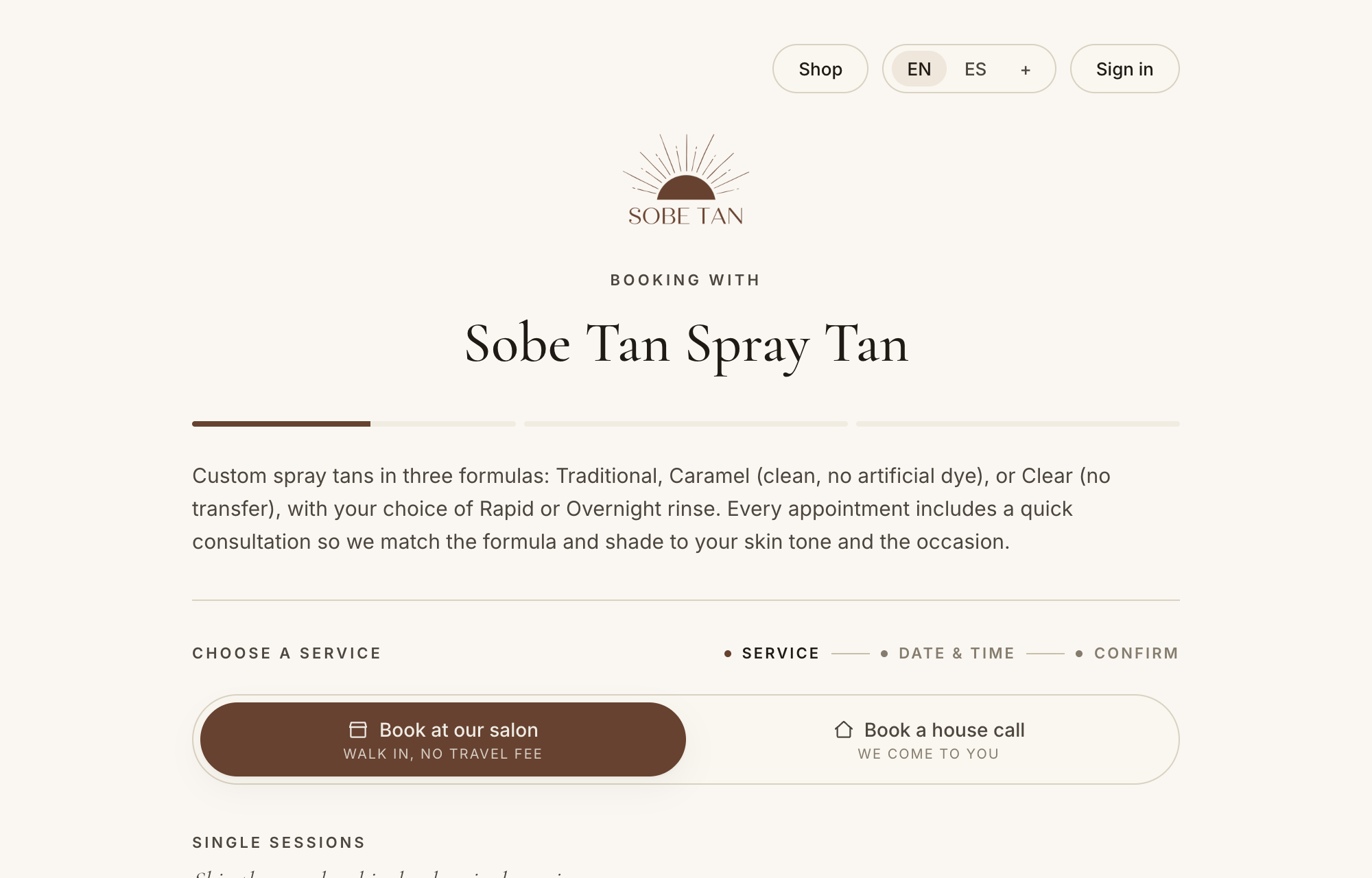
Put your Classic, Rapid, Bridal, and mobile services on a fast booking page that looks like your brand, whether on your goldenhour link or your own custom domain like book.sobetan.com.
Deposits at booking, custom domains, and travel-zone house calls.
Deposits held at booking with instant confirmations and reminders
Mobile spray tan house-calls with client address, party size, and travel-zone pricing
Memberships, session packages, and gift cards built right into checkout
Clients arrive prepped and rinse right on the minute.Prepped before. Timed to rinse.
Barrier lotion, deodorant, or showering too early ruins a good spray. goldenhour sends your pre-tan prep rules and digital waiver before they arrive, logs their exact shade formula, and texts when it is time to shower.
Bilingual waivers before they arrive. Shower texts right on the minute.
English & Español waivers, skin-type intake, and allergy flags saved on file
Solution & shade formula history saved per client so repeat visits always match
One-tap rinse timers (1 hr Rapid to 8 hr Classic, or custom) that text shower instructions
Forms and waivers on every plan. Automated prep and rinse texts come with the paid plan.
Before & after care
EnglishEspañol
Exfoliate 24 hours before & arrive with bare skinSigned digital waiver saved to Alex’s profile
01:14:402 hr Rapid rinse countdown
Texted at 6:35 PM:Hi Alex! It is time for your lukewarm water rinse (45 seconds, palms only, no soap yet).
03Dedicated studio number, voice IVR & AI textsStudio phone & AI
Keep your hands on the spray gun while calls and texts get handled.Calls answered. Texts booked.
Your personal cell stays private. Your dedicated local studio number greets callers in your own voice, texts a booking link to missed calls inside a minute, and optionally uses our AI scheduler to book client texts on your real calendar.
A dedicated local number in your voice, plus optional AI text booking.
Phone menu (IVR) in your voice: press 1 for your booking link by text, press 2 to ring your cell
Optional AI text scheduler offers real openings by SMS and books when they reply yes (hands off to you anytime)
Shared 2-way SMS inbox and transcribed voicemails (250 texts/mo included on the paid plan)
Sample from SoBe Tan. You can customize it using your own voice.
Studio line · 0:04
(786) 555-0192
Your own voice
1Text my booking link
2Ring my cell
Can I come in Saturday at 10?
Saturday at 10:00 AM is open for Classic Spray Tan. Want me to book it?Sat 10:00 AM is open for Classic Tan. Book it?
Booked · Saturday, 10:00 AM · Tap book.sobetan.com anytime
040%-commission checkout, teams & studio ops0% fee checkout
Fast in-person checkout and room for your whole team.Tap to Pay. Keep 100%.
Collect a deposit when clients book, then bring together the remaining balance, tip, and receipt at the end of the session with 0% platform commission.
Stripe or Square checkout with $0.00 goldenhour commission.
Balance and tip by Tap to Pay on iPhone, a pocket-size reader, QR, or card on file
Card payments through your Stripe or Square account. Your processor’s standard rates apply.
Multi-staff calendars, commissions, timecards, retail inventory, mileage, and CSV exports
Built for solo artists and multi-room studios alike.
Sunroom Studio · Checkout
One visit, all together.
Rapid Spray Tan
$65.00
Deposit already paid
-$25.00
Client tip
$10.00
Due at checkout
$50.00
goldenhour commission
$0.00
Illustrative amounts before any applicable tax.
Paid · $50.00
Interactive 60-second walkthroughLive walkthrough
See how client booking feels.Try a live booking.
Click through a real client booking from choosing a shade to deposit confirmation, right here on the page.
book.sobetan.comDemoClose the tourStart the booking tour10 guided stops · About a minute · No signup
Loading the booking tour…
That was the whole booking
Now picture it with your name on it.
Add your services and hours, then share one link. Free to start, no credit card needed.
Built at SoBe Tan. Made for your studio.Built inside SoBe Tan.
We built goldenhour to run our own Miami Beach studio, and studios vote on what we build next right from the Suggestions board in the dashboard.Tested daily in our own spray tan studio, shaped by artists like you.
Start free. Grow into the full studio.Start free. Scale anytime.
Every new account starts with a 14-day free trial of the paid plan, no credit card needed. Lock in the founding rate for your studio or stay on the $0 Free solo plan.14-day full studio trial · No credit card needed.
Free solo starter
$0/ month
Solo online booking, calendar, waivers, and 0%-commission card checkout.Online booking, waivers, and 0%-fee checkout.
What’s included
Solo booking page on your goldenhour subdomain, calendar, waivers, and client history
Card payments in person and online, plus deposits held at booking
Client confirmations and reminders by email, plus CSV export
The complete studio operating system, plus every future feature added to the paid plan. Your rate stays the same while subscribed.Full studio OS: SMS, rinse timers, studio line & AI. Rate stays the same while subscribed.
What’s included
Everything in Free, plus SMS: appointment reminders, prep info, rinse timers by text, and 2-way client SMS (250 texts/mo included)
AI text scheduler that books your clients on your real calendar
Dedicated studio phone number, voice phone menu (IVR), and missed-call text-back
Custom booking domain and branded email domain
Goldie AI studio assistant
Recurring memberships, gift cards, session packages, and online retail store
Multiple employees, permissions, staff commissions, timecards, and payroll
Invoices, text-to-pay links, waitlist auto-fill, and full financial reports
Claim a founding spotTry the paid plan free for 14 days, no card needed. Your business number and phone front desk come with your first payment. $39.99/mo for new members after the first 100. Cancel and rejoin later at the then-current standard rate.14-day free trial. $39.99/mo after first 100. Cancel and rejoin later at the then-current standard rate.
Bring your client list in minutes.Switch in minutes.
Pick your current booking tool to see step by step how to move your clients, services, and history into goldenhour. Or email your CSV export to hello@goldenhourhq.com and our team gets the import ready at no charge, and you press Import once to bring it in.1-click Square sync, CSV upload, or free team prep via hello@goldenhourhq.com.
See the steps for your tool
Select the service you usually use.
SWITCHING FROM SQUARE APPOINTMENTS
Connect Square in one click, or upload your CSV exports.
1-click OAuth or CSVIn goldenhour: Settings → Import
01 · STEP 1Connect or export from Square
Open Settings → Import → Connect Square for a one-click pull, or sign into squareup.com on desktop to export Customers, Items, and Appointments as CSVs.
02 · STEP 2Upload in Settings → Import
If using CSVs, drop your Customers, Items (saved as CSV), and Appointments files into the Square uploader. Each file is optional on its own.
03 · STEP 3Review your book & go live
Services, client profiles, past and upcoming bookings, and card charge history (when connected) land automatically. Re-run anytime without duplicates.
What comes over: Clients (name, phone, email, birthday, notes), service menu with prices and durations, appointment history, and card charge history (via Connect).
Export your customer list, appointment history, and services from Vagaro Web.
Direct CSV importIn goldenhour: Settings → Import
01 · STEP 1Export Customers & Appointments
Sign into vagaro.com on a desktop browser (including former Schedulicity accounts migrated to Vagaro). Open Reports in the top bar, run Customers and Appointments (All time, including upcoming), and export (save .xlsx as CSV if needed).
02 · STEP 2Export Services (or skip)
Open Settings → Employee Profiles → Services → Download (save as CSV), or skip this file and goldenhour will rebuild your menu from your appointments.
03 · STEP 3Upload in Settings → Import
Choose Vagaro under Settings → Import and drop your CSV files in. Columns are auto-detected, and re-uploading fills gaps without duplicating records.
What comes over: Clients (name, phone, email, birthday, notes, VIP flag), appointment and cancellation history, and your service menu.
Export your GlossGenius clients or request your full booking CSVs.
Direct CSV importIn goldenhour: Settings → Import
01 · STEP 1Export or request your CSVs
On dashboard.glossgenius.com, download Clients → Export Clients (and reports under Insights → Reports), or email support@glossgenius.com from your owner email for your Client List and Booking History CSVs.
02 · STEP 2Save your CSV files
Save your clients CSV and your bookings CSV to your computer (whether downloaded from the web dashboard or sent by GlossGenius support).
03 · STEP 3Upload in Settings → Import
Select GlossGenius under Settings → Import and upload both files. goldenhour automatically rebuilds your service menu from the names and prices on your bookings.
What comes over: Clients (name, phone, email, birthday, notes, VIP flag), appointment and no-show history, and services rebuilt from your bookings.
Request or download your client list and appointment CSVs from Booksy Biz.
Direct CSV importIn goldenhour: Settings → Import
01 · STEP 1Request or export your CSVs
Most US Booksy accounts request their Client List and Appointment History CSVs (all dates, including upcoming) via Booksy Biz chat or info.us@booksy.com (info.gb@booksy.com in the UK). If enabled on desktop at biz.booksy.com, export from Clients and Calendar.
02 · STEP 2Save both CSV files
Keep both CSV files (Customers and Appointments, including upcoming appointments). If an appointment file is too big to upload at once, split into shorter date ranges while keeping upcoming appointments included.
03 · STEP 3Upload in Settings → Import
Choose Booksy under Settings → Import and upload both CSVs. Because Booksy does not export a service list, goldenhour rebuilds your services from your bookings.
What comes over: Clients (name, phone, email, birthday, notes, VIP flag), appointment and cancellation history, and services rebuilt from your bookings.
Sign into app.squarespacescheduling.com, open Clients (or Business Settings → Import & Export → Export), and download your Client list as CSV.
02 · STEP 2Export Appointments
In Reports → Appointment List (or Import & Export), set the range to All time, including upcoming appointments, and export to CSV. Appointment types come across automatically with your appointments.
03 · STEP 3Upload in Settings → Import
Select Acuity Scheduling under Settings → Import and drop the CSVs in. Bookings match to clients by email (or by phone when there is no email and the client name agrees), and unmatched rows without email are flagged for you.
What comes over: Clients (name, phone, email, birthday, notes), appointment history, booking notes, and appointment types as services.
In Fresha (partners.fresha.com → Clients → Clients list → Options → Export → CSV), Mindbody, a pre-merger Schedulicity CSV, or Google Sheets, download your client list as CSV. (Migrated Schedulicity accounts now on Vagaro can use the Vagaro tab.)
02 · STEP 2Upload under Clients → Import
Open Clients → Import in goldenhour and upload the sheet. Rows are matched on phone or email, so uploading the same sheet twice will not duplicate contacts.
03 · STEP 3Add your service menu
General spreadsheets bring over client contacts and notes without past appointment history. Add your services and prices in goldenhour, then share your new booking link.
What comes over: Client names, phones, emails, notes, allergies, preferences, VIP status, and Fitzpatrick type (matched on phone or email).
It replaces stitching together a generic booking app, a waiver tool, a business phone app, and manual reminder texts. You get online booking with deposits, bilingual waivers, rinse-timer texts, 0%-commission Stripe or Square checkout, and a dedicated studio phone line with AI text booking in one place.
How does the AI text scheduler work?
When a client texts your studio number asking for a time, the AI scheduler checks your live calendar, offers real openings, and books the visit when they reply yes. It is off until you switch it on, and it hands the conversation to you whenever it isn’t sure. Phone calls get your recorded voice menu, never a robot voice.
Can I set custom deposits, cancellation rules, and mobile travel fees?
Yes. Set deposit amounts and cancellation windows per service, and turn on mobile spray tan house-call requests with client address, party size, and automatic travel-zone pricing.
Can you help me move my clients from Square, Vagaro, or GlossGenius?
Yes. Connect Square in one click, upload CSV exports in Settings, or email your export to hello@goldenhourhq.com and our team gets the import ready at no charge so you just press Import once.